Avizoro
Self-hosted crash reporting, performance monitoring and release health for .NET apps: MAUI, ASP.NET Core, Blazor, WPF, WinForms, Avalonia and plain console/worker apps. It is an alternative to Sentry, App Center and Crashlytics that runs on your own server.
Get started Try the demo GitHub
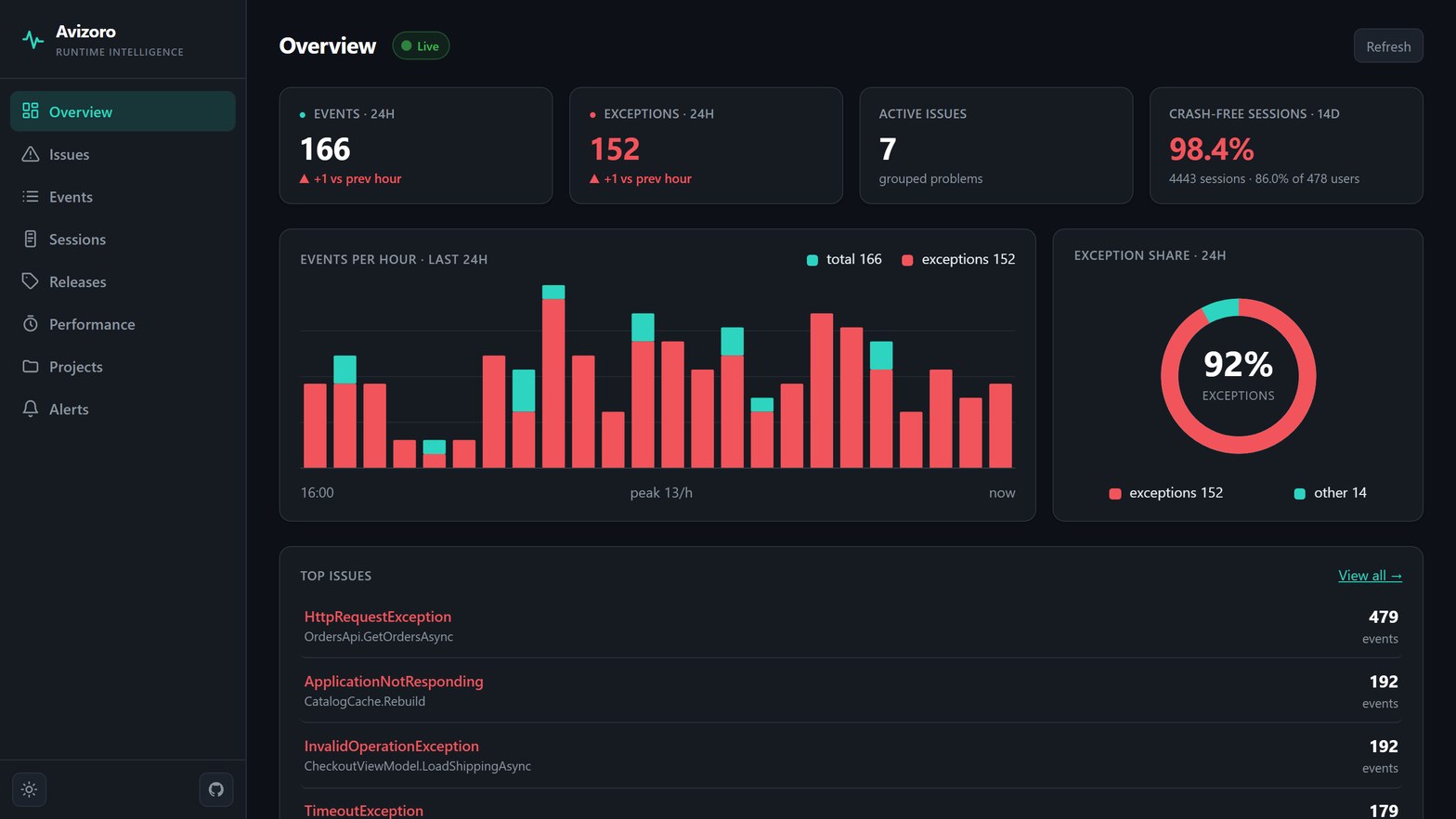
What you get
| Crashes and errors | Fatal crashes on Android, iOS, Mac Catalyst and Windows, handled exceptions, ILogger errors and ANRs (a frozen UI thread), grouped into issues. |
| Issue workflow | Resolve, ignore, assign and reopen issues. A resolved issue that comes back is flagged as a regression. |
| Release health | Crash-free sessions and users per release, adoption, and the new issues each release introduced. |
| Performance | App start, page load, HTTP client and ASP.NET Core request timings, with p50/p75/p95 per operation. |
| Readable stack traces | Upload portable PDBs and Android ProGuard/R8 mappings, and release-build stack traces get file and line numbers. |
| Alerts | New issue, regression or error spike, sent to a webhook, Slack, Teams, Discord or email. |
| Context | Breadcrumbs, device state at the time of the crash, tags, user, the last screen before the crash (opt-in), and user feedback. |
| Privacy controls | PII scrubbing on by default, BeforeSend / BeforeBreadcrumb hooks, and sampling. |
| Your data | One server on SQLite, PostgreSQL or SQL Server, run with Docker, Render, Azure or Railway. |
One line to start
// MauiProgram.cs
builder.UseMauiApp<App>()
       .UseAvizoro("https://projectKey@your-server/my-app");
// Program.cs (ASP.NET Core)
builder.UseAvizoro("https://projectKey@your-server/my-api");
Other app types are covered in SDKs.
How it fits together
your app ─► Avizoro SDK ─► local queue ─► Avizoro.Server ─► database
                                                        │
                                                        └─► dashboard (Blazor WASM, live over SignalR)
Each event is written to a local queue before it is uploaded. If the app crashes or goes offline, the event is sent on the next launch or when the connection comes back.
Next steps
- Getting started: run the server, create a project, and send the first event.
- SDKs: set up each app type.
- Features: sessions, performance, symbols, alerts, feedback and privacy.
- Server configuration: database, auth, alerts, integrations, telemetry and demo mode.
- HTTP API: the endpoints the dashboard uses, for scripting and integrations.
- Deploying: Docker Compose, Render, Azure and Railway.